Vamped Ripper
A downloadable webripper for Windows
VAMPED SITE RIPPER — MANUAL
Direct-page website archiver with offline rebuild. Point it at a page, give it rules, get a folder of files that opens in a browser and just works.
QUICK START
- In Project → Output Folder, click
…and pick where the mirror should live. - Paste one or more URLs into Seed URLs (one per line).
- Leave Host Scope on Same host only.
- Set Link Depth to
1. - Set Connections to
4. - Click a few File Types chips (images, css, js, archives, pdf).
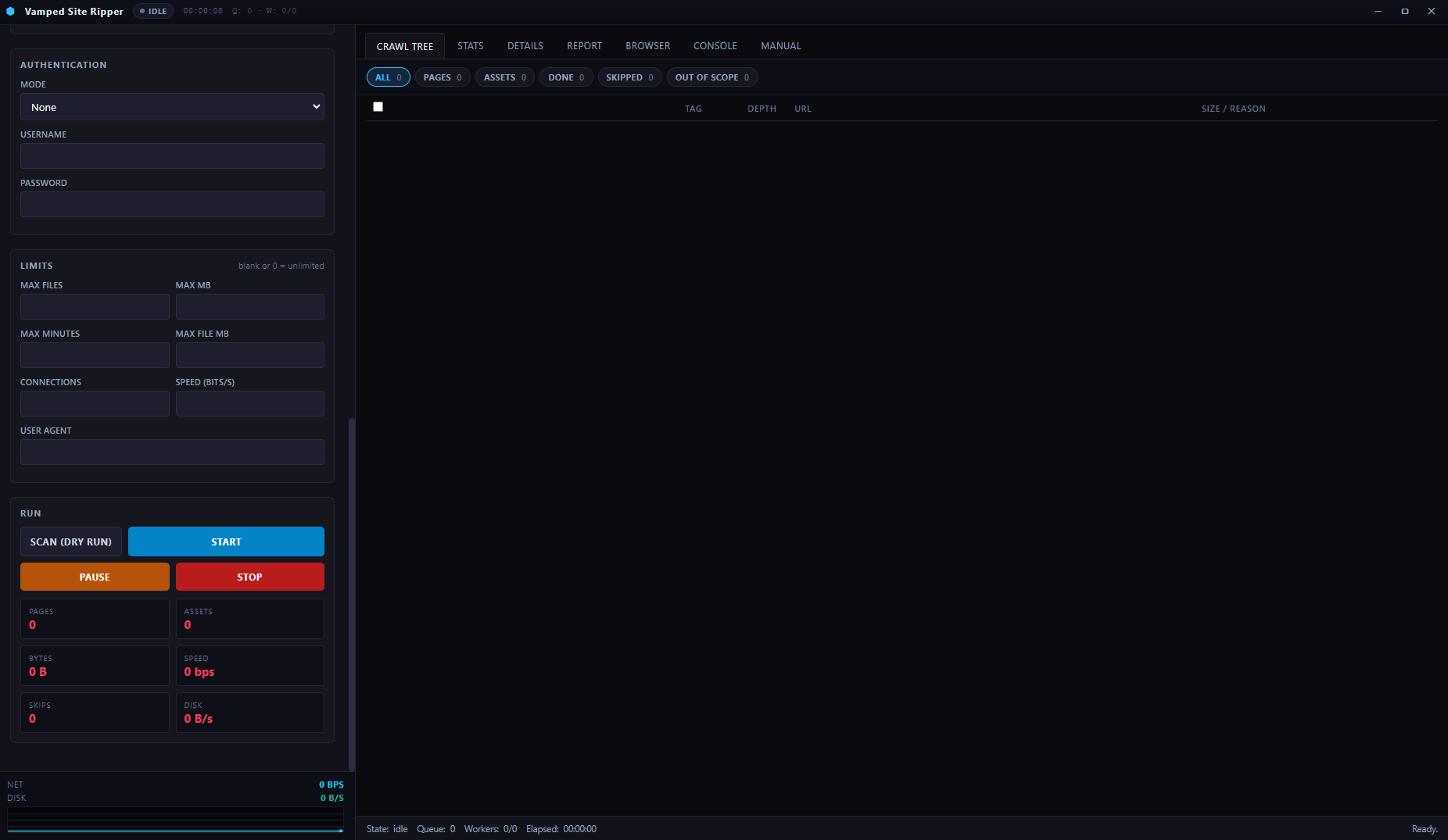
- Click Scan (Dry Run) and watch the Crawl Tree.
- Click Start. Watch the Stats tab while it runs. Switch to Report when finished.
INTERFACE TOUR
AREA | PURPOSE
-- | --
Title bar | App name, live state chip, elapsed timer, queue depth and worker count. Custom window controls on the right.
Left panel | All configuration — project, seeds, scope, filters, auth, limits, run buttons.
Mini strip | Live network throughput and disk write rate. Rolling sparkline below.
Crawl Tree | Every URL: enqueued, saved, or skipped. Filter chips + bulk selection on top.
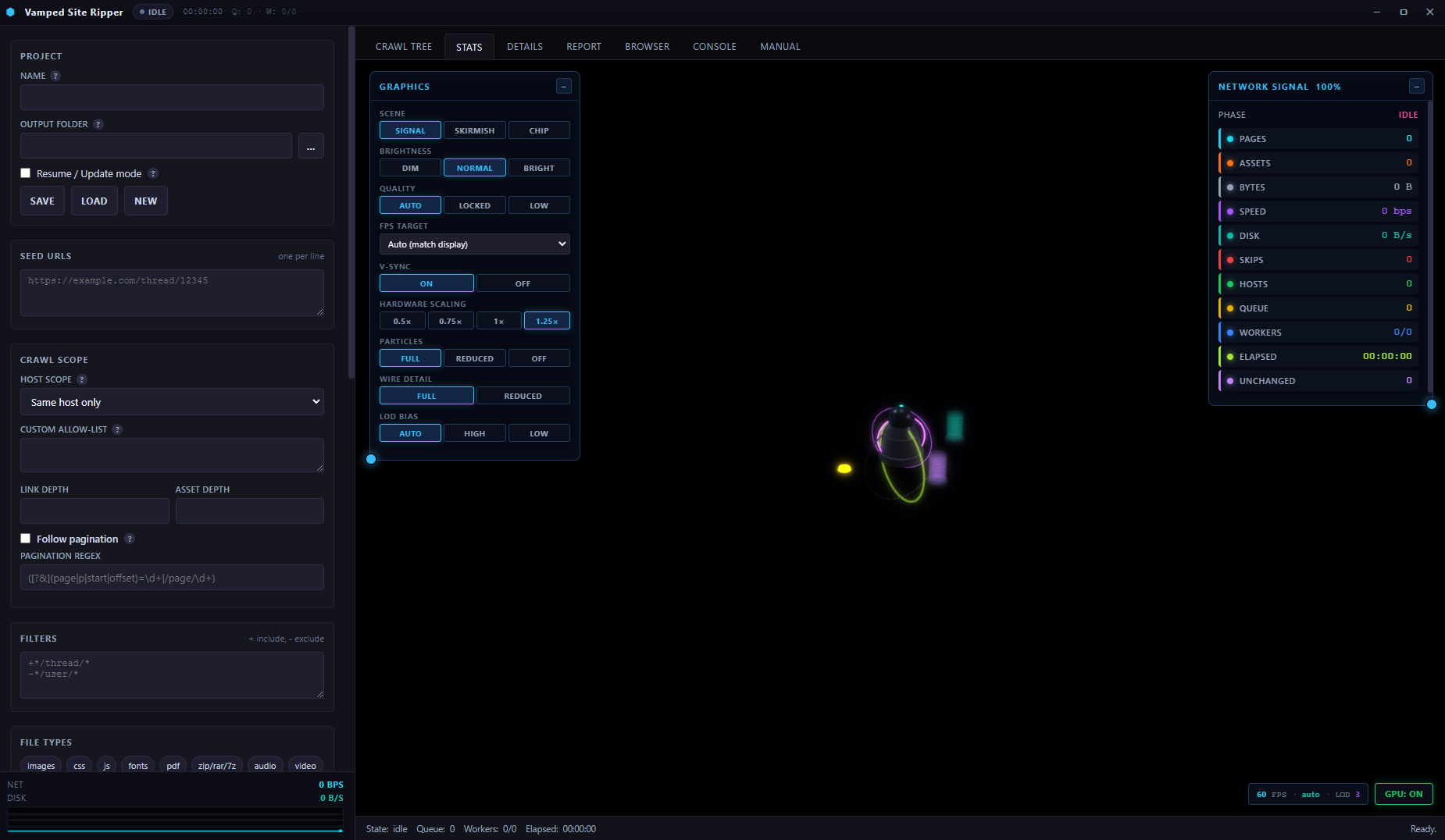
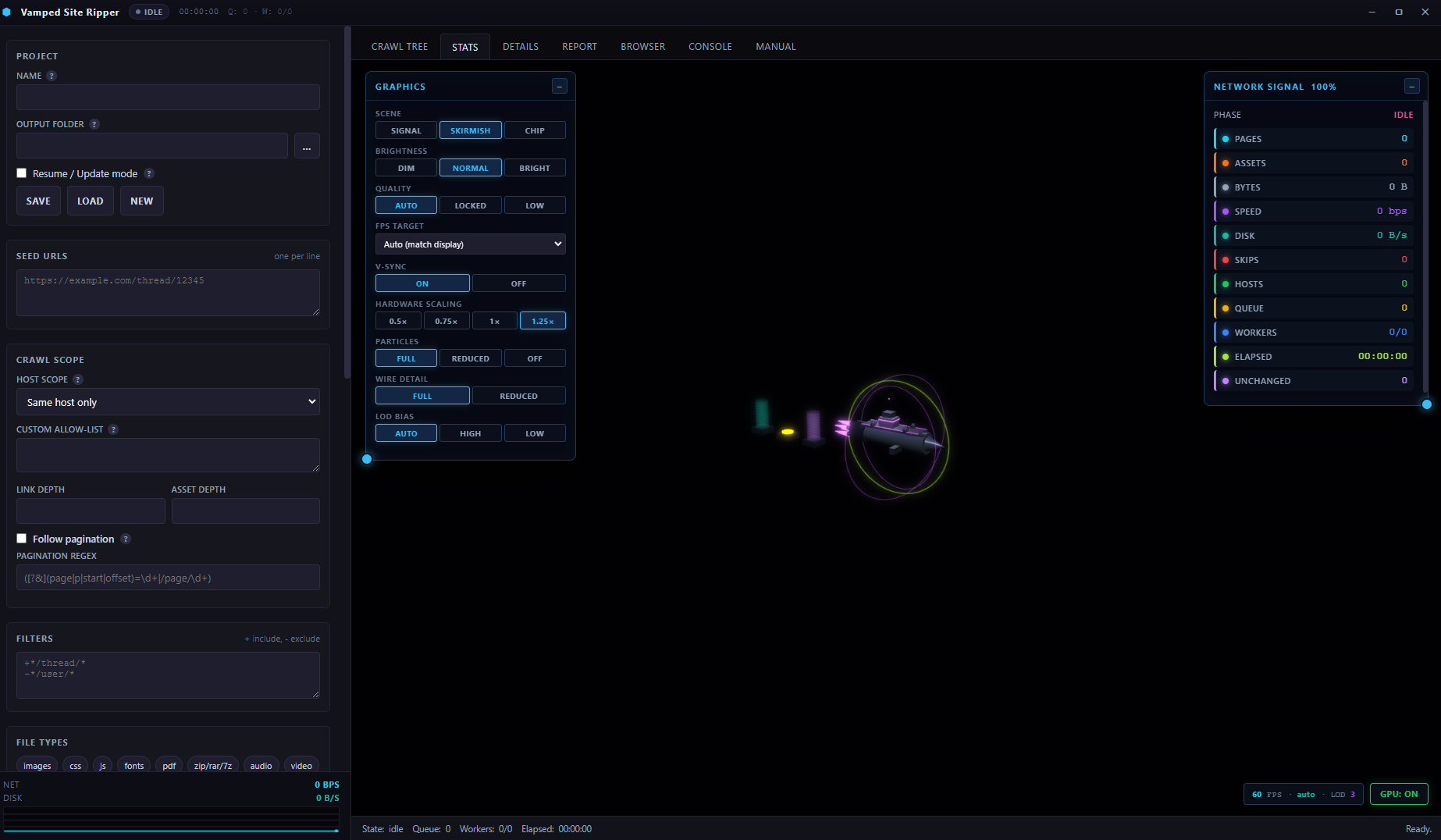
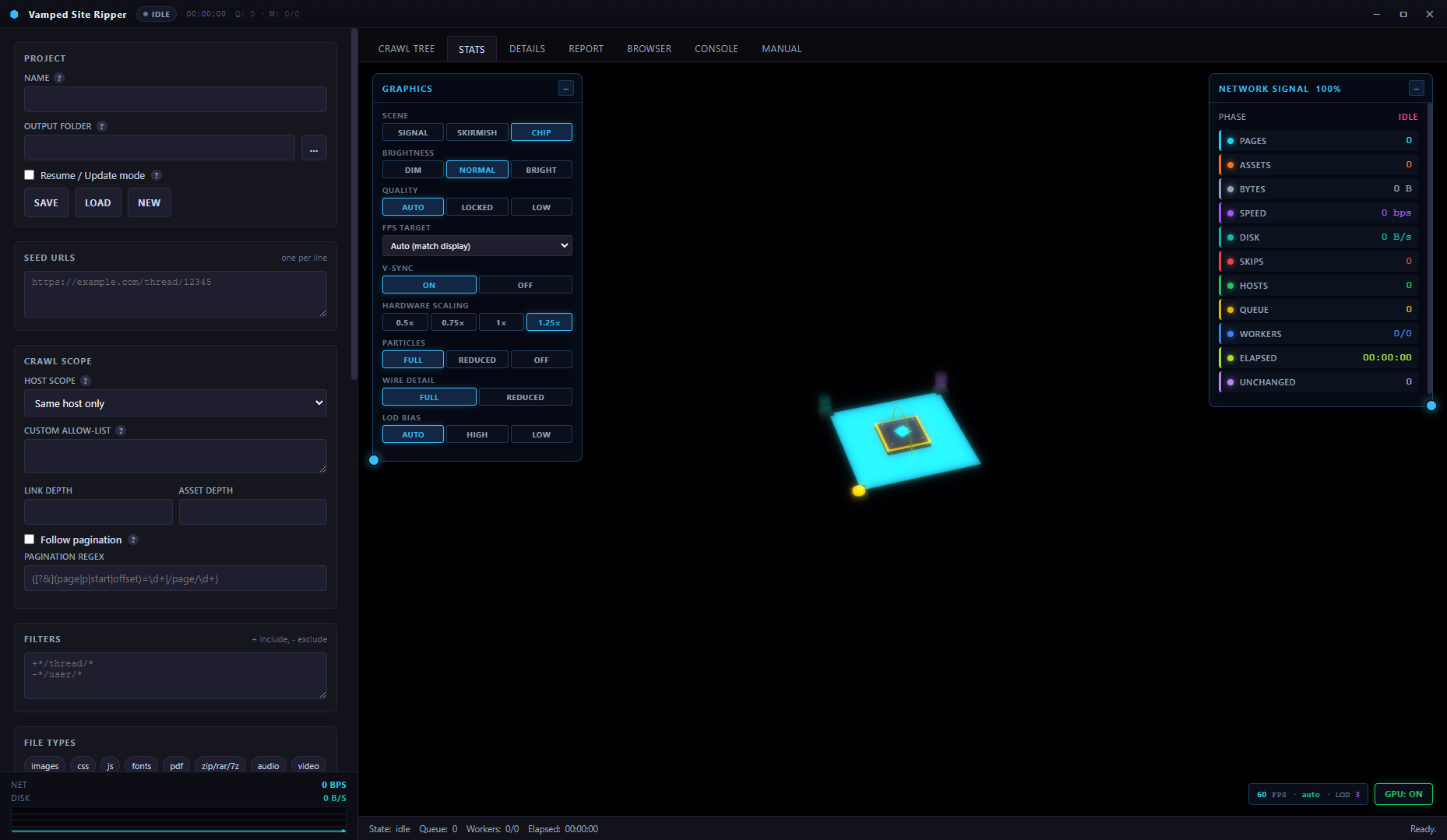
Stats | 3D visualisation. Three scenes (Signal / Skirmish / Chip).
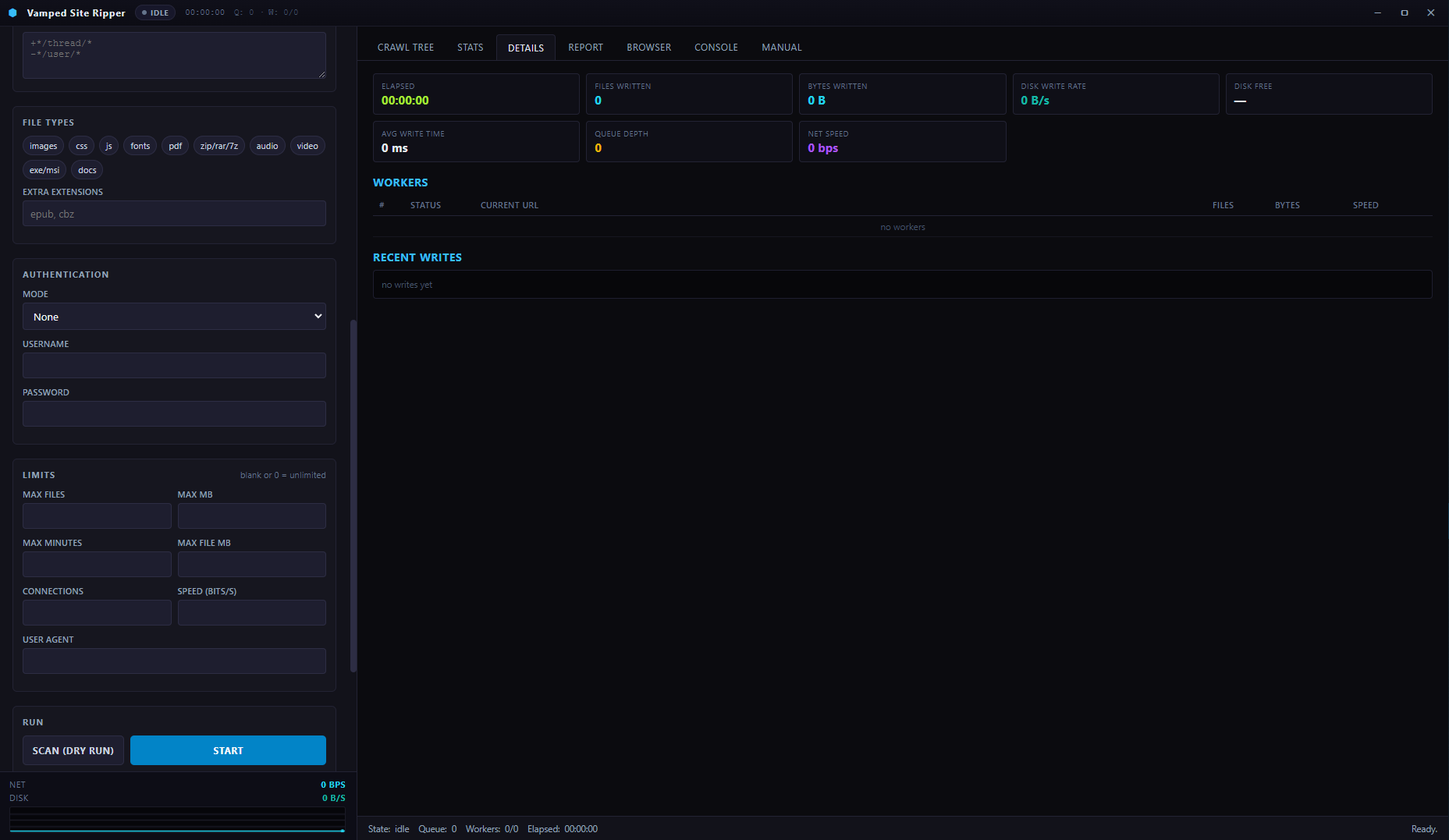
Details | Per-worker table, disk stats, recent writes.
Report | Post-crawl summary: totals, skip reasons, per-host breakdown.
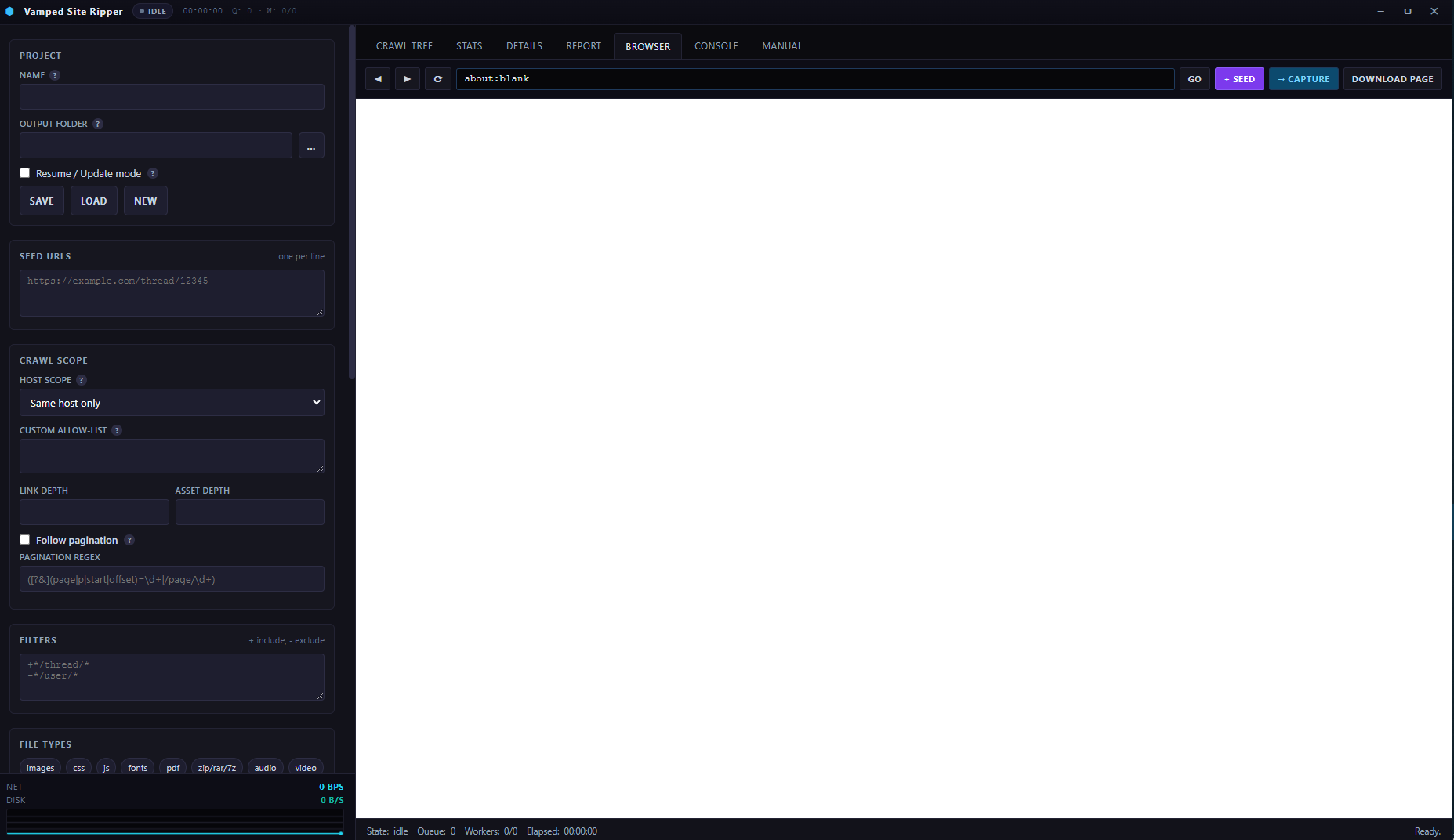
Browser | Built-in webview for browsing, seeding, and cookie capture.
Console | Raw event log with timestamps.
Manual | This document.
Status bar | State, queue depth, active workers, elapsed, last status message.
PRO TIPS
- Always dry-run first. Ten seconds of preview saves hours of wrong downloads.
- Start narrow. Same host, depth 1. Widen only when the Report says you missed something.
- Use bulk select + Add hosts instead of clicking + SCOPE one by one.
- Force queue works while paused — line things up while frozen, then resume.
- Watch disk writes in Details. If disk rate is far below network rate, disk is the bottleneck, not the server.
- Pause before leaving your desk. Uses almost no CPU and resume is instant.
- Turn off 3D on long crawls to save battery and fan noise. The app is fully functional without it.
- Leave Resume on for any project you'll re-crawl. Costs nothing on the first run, saves everything on the next.
- Open
index.htmlto test the mirror. If pages render but images don't, the rewrite pass missed something.
TROUBLESHOOTING
EVERYTHING SHOWS OUT-OF-SCOPE
Seed host vs link host mismatch. Common cause: seed is example.com but links are all to www.example.com. Switch scope to Domain, or filter to Out of scope, select all, and click + Add hosts.
EVERYTHING SHOWS TYPE:EXT
Content type isn't in your selected chips. Enable more file types.
LOTS OF HTTP 503S
Server rate-limiting. Lower Connections to 1 or 2, and lower Speed if set.
LOTS OF HTTP 403S
Change the User Agent to a real browser string.
STOP SEEMS TO HANG
That's the drain. Workers finish the current file before exiting. If it's stuck past 30 seconds, click Stop again to force kill. Session snapshot is preserved, so you can resume later.
PAUSE TAKES A LONG TIME
A large file is mid-write. Wait for it — the drain exists so nothing is half-written.
MIRROR OPENS BUT IMAGES ARE BROKEN
Likely images on a CDN with a different host. Add it via bulk select + Add hosts.
3D LOOKS FROZEN
Check the state chip — if it says paused, that's intentional. Click Resume. If it says crawling and 3D is still not moving, click GPU: OFF then back to ON to reset the renderer.
COOKIES EXPIRED MID-CRAWL
You'll see login pages instead of content. Reopen capture browser, log in fresh, fetch cookies, restart the crawl.
APP CRASHED MID-CRAWL
Your files are safe. Load autosave project, and when the output folder is detected you'll get a Resume prompt. Click Resume to pick up from the last snapshot (up to 5 seconds old).
Download
Install instructions
Click the exe and done. Enjoy !
Leave a comment
Log in with itch.io to leave a comment.